Showing posts with label challenge. Show all posts

Saturday, 22 January 2011

Twinkly's SEO for beginners *day 5*

We've reached the end of the week. Let's have a little look back shall we? Click the days of the week to be returned to that days tasks.

On Sunday, I explained how to install the toolbar and check your PageRank. On Monday, we talked about how to start gathering words which could turn out to be fabulous Keywords for your shop and item descriptions. On Tuesday we looked at using Google tools to find out how often words are searched, and started to narrow down our words to a tight selection of perfect keywords for your shop. On Wednesday, I went more in depth into searching using Google tools, and then explained a bit about relevant backlinks.We planned a link exchange, and I featured everyone who wanted to take part on my blog post on Friday.

And now we are on Saturday, because I'm a terribly disorganised Twinkly of late. I'm going to presume a few things. Like my friends on Etsy, I'm going to presume you have now filled your shop with lots of marvellous keywords. Although I haven't gone into much detail here, it's easy to see how the same principles and probably lots of your 'words' can be used to make your descriptions as awesome as your section titles and announcement probably are!

So what's next?

There's a lot of in-depth stuff about SEO online. If you want to continue on your quest for SEO perfection, Handmadeology have some amazing articles. But you could also leave it as is for now and follow your progress using Google Analytics.

Here are some quick instructions to checking whether your search engine and Google hits have increased.

1. Keep plugging your link, other people's links and linking, linking, linking. Post your shop section links on your Facebook, your items in your blog, and your main URL on twitter. Or whichever. You get it, right?

2.Wait a month for Google to crawl your page a few times and for people to have a chance to see your link. Now that you've made your shop announcement beautiful and stuffed full of keywords, you're going to be all the more appealing to people browsing. Don't forget you can check when your page was last 'crawled' by clicking your PageRank icon and choosing 'Cached Snapshot of this page' The page will reload with a thin info bar across the top with the date that Google crawled.

3. Open up and log into Google Analytics. Then on the 'Overview' page, select your Etsy shop report.

There's a couple of really useful things we can do from here.

Firstly, run your mouse over the date range in the top right hand corner. Click, and select the date range from the day you started SEO to the day you are checking. (At least a month, really.)

Now, what can we see?

Just above the graph on the right hand side is a little row of three icons. The second one along will change your graph to measure over the month rather than show you each day's results plotted. I love this button. It produces a fabulous upwards blue line that gives me a sense of satisfaction.

Scroll down a little and you'll see a bunch of other tiny graphs. Some will be upwards-pointing, like Pageviews, Visits and New Visits. Hopefully some will be downwards-pointing, like Bounce Rate.

So, you now know that you have increased traffic to your shop, how can you see where that traffic is coming from?

Scroll right down to Traffic Sources Overview and click 'View Report' Click the date range again to select the range you want, then click that second little button again to view the weeks results plotted on the graph rather than the days. Once you have had SEO in your shop a while, you can also view the graph as monthly results.

Scroll right down and click 'view report' for your referring site. This bit is so awesome, I love it. You're right in the very depth of Google Analytics now! You should now be able to see how many visitors have been directed to your shop from Google and over search engines, plus a load of other information that I have no idea about. I can see I got 747 visitors from Google (awesome!) 84 visitors from my blog (could do better!) and 1,717 direct visitors. Quite a few of those are probably me though.

*** At the same date range last year, I got 84 visitors from Google and 9 from my blog. 183 direct visitors.***

I could rabbit on all day about GA and the things you can find out there, but it takes a really good explore and poke round to really get to grips with!

I hope you have found some of the information that I have shared helpful! I'd love to hear your success stories, and please do feel free to share this information with anyone who can benefit from it

Katie x

Friday, 21 January 2011

Awesome Link Exchange

Thank you for your interest in being part of my link exchange! The last post broke my record for number of comments which has made me super happy.

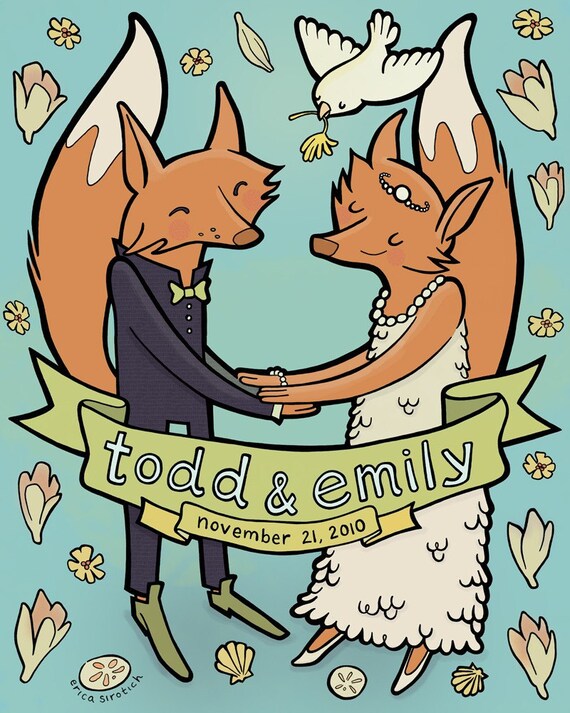
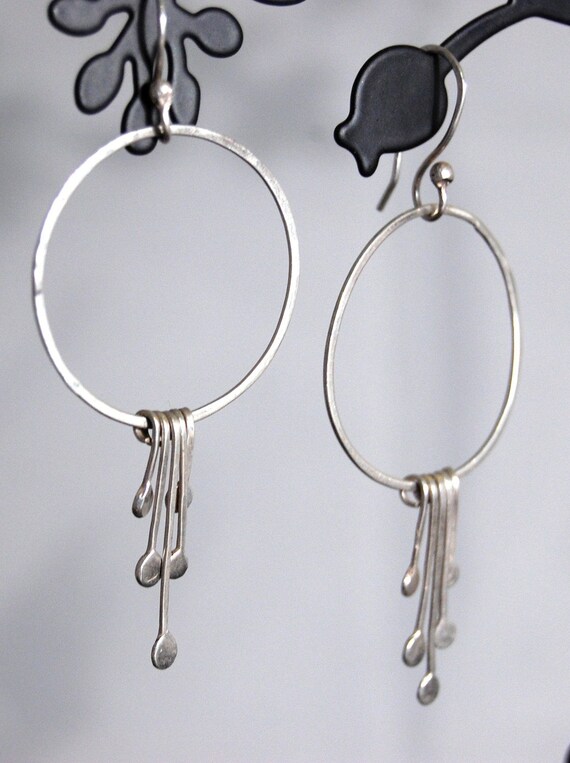
So, I've gone through and picked favourite things from everyones shops. If you want to get involved, it's not too late, just go *to this page* and leave a comment with your shop address. I'll add you to this post, and email you when your link is up. You'll need to return to pick out your linkee. This is only going to work if everyone follows the instructions. Pick one person featured below and find somewhere else to post their link. It could be your blog, facebook, twitter, stumbleupon, pintrest. Leave a comment below stating whose link you shared and where, with a link to where you did it, if possible.

(I know, a lot of posting links right? Well that's the whole point of SEO backlinking! Before long you'll be squeezing your shop link in everywhere you can.)

Please don't forget to thank anyone who links you, and you can use more than one person if you like. The whole point of this is to increase your link network. Linking to this page will build an even bigger network.

I'll post the last post of my SEO course later today, meanwhile if you need to catch up:

Introduction: Installing Google Toolbar and what PageRank is
Day 1: Word-storming your shop to find suitable key words
Day 2: Using Keyword Search Tool to narrow down your words
Day 3: Adding your Keywords to your shop
Day 4: Building Relevant backlinks.


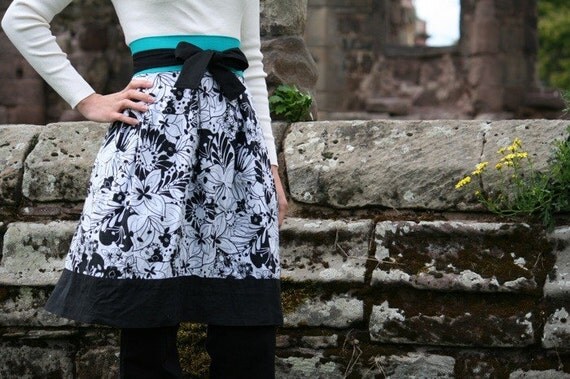
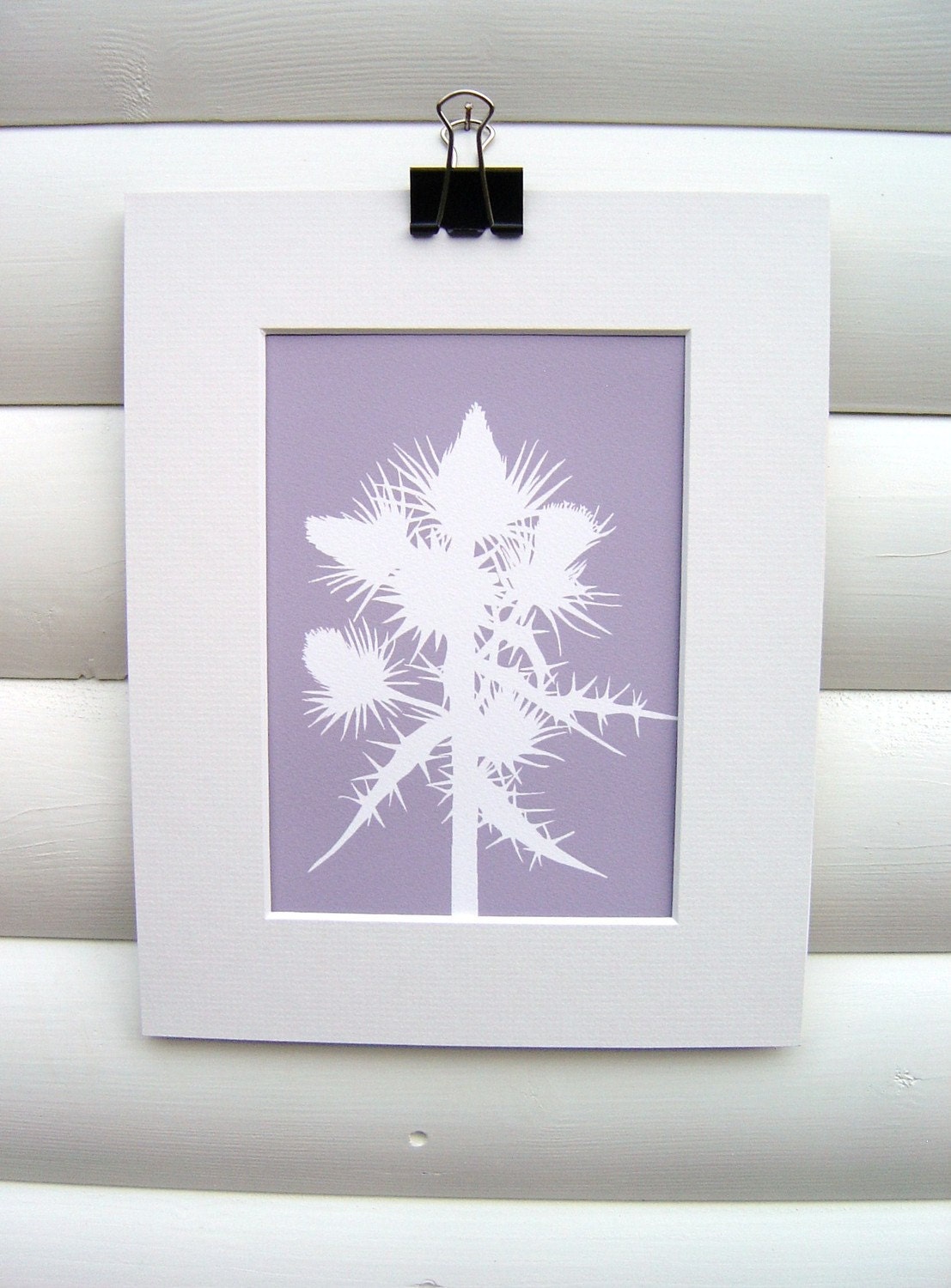
Floral Print Toddler Skirt by Adrianascloset
You don't need to feature an item like I have when completing this challenge, a simple shop link is just as effective. If you are going to blog though, don't forget to try and squeeze in two links for your chosen person, to really give them a boost! Good luck!!

Katie x

Note: Please try to feature someone who hasn't already been featured :-)
 

Thursday, 20 January 2011

Twinkly's Beginner SEO *day 4*

Good morning :-)

I've been answering a lot of questions about yesterdays post and using the keyword tool. Here's how I would work it:

You need to be searching for the keywords that you dreamed up the other day. Search for them individually first, and then search for them in combination.


Say you were thinking of selling Blackboard Jewellery.
So you might put this in the search box:

Blackboard


Jewellery


Chalkboard


Jewelry


Blackboard Jewellery


Chalkboard Jewelry

Then you can compare these phrases easily.

Then you might search:

Geek


Nerd


School


Back To School


teacher gift

And compare results.

Then, you might pick the two 'best' terms from each list and see what they come up as.

Geek blackboard jewelry


teacher gift jewelry

Bear in might as you narrow the search in this way, you'll be seeing significantly less monthly searches. Don't worry - just try and get the highest you can.

I hope that helps!

-----------------------------------------------

So, we are going to move away from this a bit now. Hopefully you have started thinking about including your keywords in all the valuable places in your shop. So Google search can now see your shop, your items, your description. But how can we move our results UP the search to those amazing first and second page slots?

The key to moving on upwards is backlinks from relevant sources. The more relevant the place featuring *your* shop link (and section links) the more theoretical 'points' you get. Google rates pages on their relevancy based on *their* metatags, content, frequency of updates and other complicated webpage stuff.

So, blogs are a great thing to get featured on in terms of SEO. I'm not going to preach for an hour about having a blog, but it is a great way of reaching customers, getting people interested in you and your shop, and you can link to your own shop as many times as you like. And it's all relevant! I try and link my shop in every post, in fact I've linked to it three times in this paragraph. Ha!

But just posting your link over and over again on your own blog isn't going to really make a huge difference unless you are getting linked from other relevant sources. So, I have a little challenge.

If you comment on this post, I will link your shop in my next post along with a picture of my favourite item from your shop. I'm relevant to your SEO because this is a craft/handmade/etsy finds blog.

Then, when the post is up, come back, have a look, and chose one of the shops to feature somewhere yourself. It could be on your blog, it could be on a forum, on Pintrest/weheartit/stumble/facebook or twitter.

This challenge is all about Karma. If you feature someone and tell them, they might link you back, or mention it somewhere. Backlinking is something that can only have a great effect if you return the favour whenever possible. Something I always do if I feature a shop, although I haven't done it in the last week (bad twinkly) is link to the shop directly from the username, the listing from the image, and the section from the description underneath. That way I'm giving my linkee three links for the price of one.

The great thing about being featured on blogs is that even as the post falls back into the archives as new posts go up, Google still counts the link. Websites might be updated and your link might fall by the wayside, but a blog link is for life!

I try to make a post featuring Etsy sellers at least once a week, and although it's taken a while, I believe I am reaping the rewards. Tomorrow I'll talk about how you can find out where you are being linked from (and don't forget to always thank someone who links you. Courtesy goes a long way to being remembered in the future and building friendships)

So:
  • Comment with your shop link, even if I have featured you before. I'll create the post tonight and post it over night before the next stage of this SEO course goes up
  • Come back to view the post, chose someone to feature somewhere else. Even a tiny link on twitter is worth it, especially if you can get it retweeted
  • Thank anyone who links you
Something to note: the NOFOLLOW tag you might see if you are big into source codes is something that bulletin boards and forums use to prevent Google from finding links in forum signatures. That's because consistent links from the same URL will damage your PageRank. Google is very careful to avoid 'link farms' and spam. That's why finding relevant places to link from is important, and I believe it is something we can all help each other with.

Katie x

Wednesday, 19 January 2011

Twinkly's Beginner SEO *day 3*

Hi :-)

I know a few of my students have taken the initiative and made some changes to their shops already, which is awesome! But if you haven't taken that step yet, today should help you out. Then tomorrow we are going to talk about how linking from relevant sites will improve where you appear in the listing and how you can get your link out there. On Friday I'm going to sum up how to watch out for changes on Google Analytics, and post a little Q & A session of some of the questions I have encountered.

First, a little challenge. Take your list of five to ten phrases from yesterday. We are going to make what I like to call (in my head. Probably not out loud just in case anyone is listening) a SUPERPHRASE!

This SUPERPHRASE should go on the end of every description. It should be the keywords 'niche' you found by studying all those words yesterday. Take two, or even three of your best phrases, and combine them into one (with no repetition)

So for me, I had:

Sweet jewelry
Fun original jewelry
Handmade gifts

I made this phrase:

"Sweet, fun handmade jewelry and gifts "

All five words individually are *highly searched* In combinations of pairs they have over 1,000 searches and low competition. This gives me a great chance of snaring someone from Google who is looking for some fun jewelry. Or a sweet gift. Or an original gift. Personally I chose three that sounded nice together, but you could just as easily use the highest searched, lowest competition words if you wanted to get serious.

It's worth saying here that there isn't much point in getting hundreds of people into your shop if they are not actually looking for your products, or at least to buy -something-. Keywords need to be relevant or people are just going to click straight back to Google for a different result.

So! We've got everything ready, now, what on earth are we going to do with them?

There are different places you can put your phrases. I've taken this screenshot to show you. You can repeat phrases, combine them, or use different ones. There are differing opinions online which is the best thing to do and that's why I suggest combining the phrases as above to make one really awesome one which you repeat over and over.

(click to enlarge)

A & D
B. Shop titles are METATAGS which Google searches for. Pick them and stick to them, then link to them from everywhere you can (but then bear in mind that if you change the titles, the links will stop working, thereby undoing all your good word) Include TWO keywords or ONE of your phrases. Don't worry about making them look pretty with funny spacing - squeeze in those keywords!

C. Here is a formula for your shop description. It's not the only one that will work, but it's one that you might like to try for a month and has bought me great results.

Short Title Of Item including strong descriptive word / Category of item e.g Necklace / SUPERPHRASE


E. Google will display the first 40 odd characters of your shop description. Delete that "Hello, Welcome to my shop" and replace with either your SUPERPHRASE or three of your keyword phrases. I've seen people separate them with hearts, which is what I have done in my shop. Or you could form them into a sentence if you are feeling brave! This is what is going to draw people into your shop from Google. It' needs to be relevant to your items, appealing to potential customers, and informative for people browsing Etsy. It's a hard challenge!

So basically, today is all about getting those keywords and phrases into your shop. Here's a few tips:

  • Have the Keyword Tool open in another browser window. The updated version is better for individual words, you can access it here.
  • The first line of your shop description is a great place for repeating your SUPERPHRASE.
  • Don't be afraid of making your item titles too long. Just keep the actual title quite short, relevant, and searchable.
Good luck!!

Katie x

CATCH UP:

Intoduction and PageRank info
Day 1 - Word-Storming for your shop
Day 2 - Using Keyword Tool To Establish Useful Keywords

Tuesday, 18 January 2011

Twinkly's SEO for Beginners *day 2*

Hello lovely readers. You are viewing Day Two of our joint venture into improving our shops Google Search results. I had a GREAT response to the first post yesterday and I'm really happy that everyone is having fun 'word-storming' (Thanks, KariOriginal!)

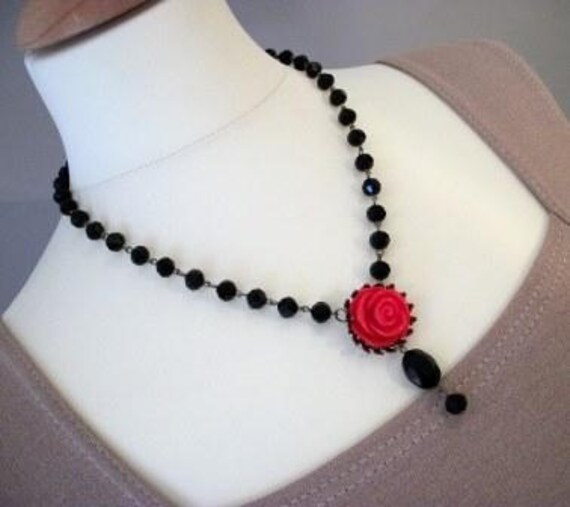
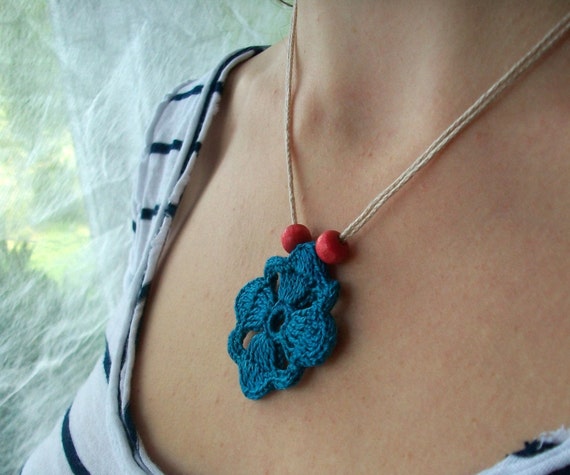
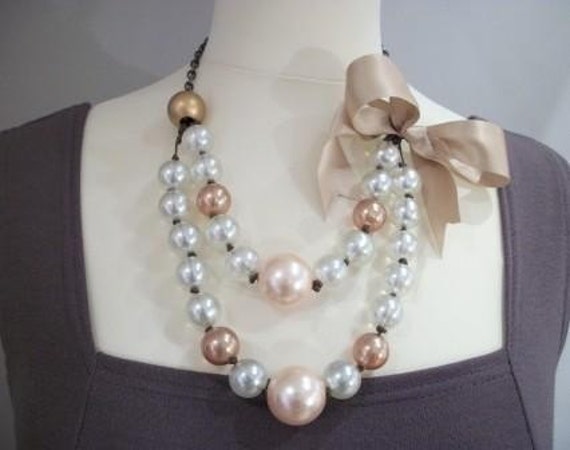
Necklace by KariOriginal

Right, so now you should have loads of words on a piece of paper. Most of these are probably not going to be helpful in terms of SEO, we need to weed them down. However, you might find them useful when writing interesting descriptions of your items, or describing your shop on your blog, so don't throw the list away after todays task!

We are going to look at our words and find out what Google thinks of them. Luckily, Google provides us with a great tool for this.


I would recommend starting with a very basic word. So pick a BIG word for your shop, knitting, jewellery, art, print, gift.

The tool will come back with a chart. The first entry in the chart is the word you are having a look at. You'll probably need another bit of paper, or if you are like me and love any excuse for using a highlighter, you could highlight words that come back with great results.

So, we are making a note of 'Monthly Searches' first. I would imagine that the first word you try will have over 100,000 searches. This means that people have searched that word either alone or in combination with other words a total of 100,000+ times in the past month. Imagine ranking as FIRST! 100,000 people will see your result! Around 40% of people will click the first result. We'll talk about getting people to click YOUR result tomorrow.

Now, you'll see below that is a huge bunch of other words in combinations. So you'll see 'Art print' 'Costume Jewellery' and other phrases. Notice that the monthly searches is lower.

The second thing to look at is 'Competition'. The more full that little bar, the more competition for those vital first and second page spots. Now, here is your task.

Go through your list of words from yesterday in combination with a 100,000+ results word. So I might search JEWELRY (American spellings always have higher searches. This isn't a time to be patriotic.) and a word I found yesterday with my word cloud. SWEET JEWELRY.

Oh dear. It's come up telling me only 82 searches for Sweet Jewelry. It's also telling me some other phrases that are getting more hits. So I'm going to note them down and move on. Competition is very low.

You'll need to carry on trying out combinations now. Ideally I would be looking for Monthly Searches of around 1,000 with around a half full bar for 'Competition' It might not happen that way, especially if you sell especially unusual items, but it's something to aim for.

You can try all sorts of combinations, even if they don't seem obvious at first. The key is to find a selection of five to ten words or combinations of words that go well with the majority of your items, have good monthly searches and relatively low competition.


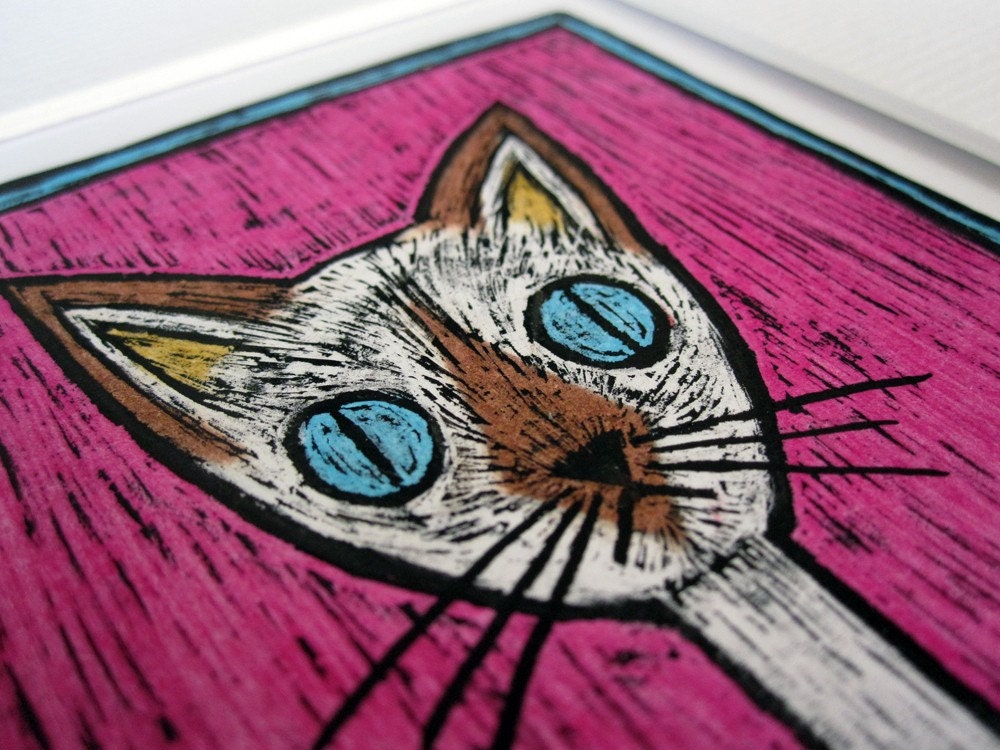
I'm going to use a member of the Craft Britannia team as an example here, I hope they don't mind. My friend StupidCats sells sweet felted cats and beautiful cat-related art.


So, a quick search shows HUGE searches for CAT and ART. These people are not necessarily looking for feline art. But did you know that 1,200 people are searching for CAT ART monthly? And the competition is less than half. I'm happy to see she has this in her titles anyway - because over 1,200 people want Cat Art every month. She should definitely be getting a share of this traffic.

Get your five to ten highly searched, low competition words and phrases ready, and come back tomorrow :-)

Katie x

I also want to say a huge thank you to Craft Brit members for being very supportive with both this project and some personal issues that I have been having, you guys rock!


Monday, 17 January 2011

Twinkly's Beginner SEO *day 1*

**My username on Etsy is now KatyClouds**

This is Etsy SEO for total beginners, Day 1. I will be your tutor, you can call me Miss Spangle, Or not. You know, whichever.

Hopefully after yesterday's post you are now staring at this post with a beautiful Google Toolbar hat. If not, you'll need to install the toolbar. Very simply, it allows you to view your PageRank

There are lots of complicated reasons to improve your PageRank. Being higher up Google Search inevitably will gain you more visitors. Gaining Google visitors who might not have meant to shop Handmade, but suddenly want to because they see your items, is the difference between a hobby and a quit-your-day-job.

Three important points:

  • PageRank is named after Larry Page. Therefore, the 'page' refers not to your 'webpage' but to a guy's surname!
  • I cannot tell you how PageRank is worked out. It's a long and complicated formulae that is based on incoming and outgoing links, and the importance of the pages those links come from. It's called a 'iterative eigenvector algorithm' I don't think any of us need one of those in our lives.
  • This guide isn't really about your PageRank. The number is a vague representation of where you *might* appear. Don't get me wrong, a higher PageRank means more people will find your shop. But what I really want to do is help people find and love you.
So I'll get started...*nervous*

I assume you have Google Analytics set up for your shop. I also assume that you have either not looked at it because it's scary and confusing or just use the most basic of functions. You don't need it right away, but make a note of when you read this post. In exactly one month, you can check your GA and you should see a significant change in your stats. A few blue lines should start pointing their way *up* after that time.

Today's task is super simple!

You need to make a brainstorm of words to describe your shop. You need to be thinking, with every single word that you right down, "yes, I can imagine someone putting that in a search box if they were looking for me"

Brainstorming words is hard, especially if you overthink it. Here's a sneaky tip I've thought of to help you:

Go here: http://www.wordle.net/ and select the option to make a new Tag Cloud. You'll be presented with a large blank box to fill with words, and below that a smaller box to put a URL of any page with a RSS Feed. RSS is something that applies to websites that are frequently updated with new content, such as blogs or Etsy shops. Type your full Etsy shop address and hit Create.

You will then be presented with a 'cloud' of words, with ones you use most larger and generally more towards the centre. Here's mine:


Gosh, I must have used 'sweet' in near enough every description. So, it's likely to be applicable to my whole shop, would you agree? I also love how 'choose' and 'choice' are big words. Original! Fun! Sweet! Gift! A perfect four word sentence to describe my shop :-)

This will help you see what words you are using a lot of in your descriptions. It's not a complete brainstorm though, but it will help you when you are thinking of keywords for your shop. Pick out all the descriptive words you can. Put them into a thesaurus to find synonyms. Use them as prompts for more words. Fill your whole piece of paper with words that relate to your shop.

Come back with your list of words tomorrow. We are going to put them into action!

Katie x

Sunday, 16 January 2011

How To Install Google Toolbar and Check Your Page Rank

If you are struggling getting Google visitors to your shop, this week I am going to help you. Every day I'm going to post something you can do to increase your Google ranking. It's going to be awesome.

You're probably thinking, "hang on, miss spangle, why are *you* qualified to talk to me about this?"

Well, I'm not, not really. But I did launch a major campaign in November to increase my Google page rank, from 'Google does not rank this page' to at least 1/10 (bear in mind, Etsy itself is only 8/10). Well, my Page Rank is now 2/10. So some of the things that I learnt and did must have worked, and now I am going to share them with you.

♥ Don't worry! If you normally come to my blog for fun craft projects and sweet Etsy Finds, I'll be posting those as usual too ♥

What you need to do to prepare yourself to improve SEO (Search Engine Optimization)

 Install the Google Toolbar. I know. It sucks having another thing cluttering up your screen. But you will be able to easily check when your page was last 'cached' (i.e, when Google last bothered to look at your page) and what your Page Rank is. Please note, the Google Page Rank icon is not visable with the standard Google Toolbar. You won't see it when you first load it up. You might have Google toolbar and not know what I'm on about.

Right click on a blank space on your toolbar. Select 'Show Button' and the Page Rank button can be selected.

It shows as a small green/grey bar on your Google toolbar. Spend a little while in your favourite Etsy shops and your favourite websites, noticing what their Rank score is. Just run your mouse over the button to see.

Check out some top Etsy sellers. Check out Facebook and Blogger and your bestest blogs.

Think about what Rank you are aiming for, and come back tomorrow for your first *tip*

...if only I could optimize from behind this screen! Via weheartit

In a few days, I'll be launching a fun Creative Business Challenge for myself. The challenge consists of *10* weeks of fun, Apprentice-style tasks to complete to improve my business and satisfy goals that I have had for a while. I'll give you a little hint, if your interest is piqued.

One of the challenges involves getting a celebrity to wear a Twinklyspangle piece :-)

If you want to follow my progress, or even try the challenges yourself, I'll be posting the first challenge on Monday too :-)

Katie x
Related Posts Plugin for WordPress, Blogger...